Ten document tools. One powerful mobile app.

From OCR and searchable PDFs to receipt, ID, cheque and invoice extraction, explore everything DocInsight can do for your documents.

Everything you need to process documents on the go

Every tool works the same simple way: choose the tool, select your document, add the email recipients and let DocInsight deliver the result. Jump to the tool you need:

OCR Text Recognition

OCR Text Recognition

Paper documents, scanned pages and photos are just pictures until the text inside them is recognised. DocInsight's OCR (optical character recognition) reads the text in a scan or image-based PDF and delivers it to your inbox as an editable DOCX file.

What you get

  • Recognises printed text in scans, photos and image-based PDFs
  • Delivers the result by email as an editable DOCX file
  • Send the output to several recipients at once and set your own email subject
  • Accepts uploads up to 50 MB in total
  • Clear token cost shown before you start, for example 1 token per page

Best for

  • Digitising paper archives, letters and printed reports
  • Copying text out of scanned contracts, manuals and forms
  • Students and researchers turning book pages and notes into editable text
  • Teams that need a quick image to text converter on their phone
Also searched as: OCR app, image to text, scan to Word, extract text from PDFGet DocInsight
Searchable PDF Conversion

Searchable PDF Conversion

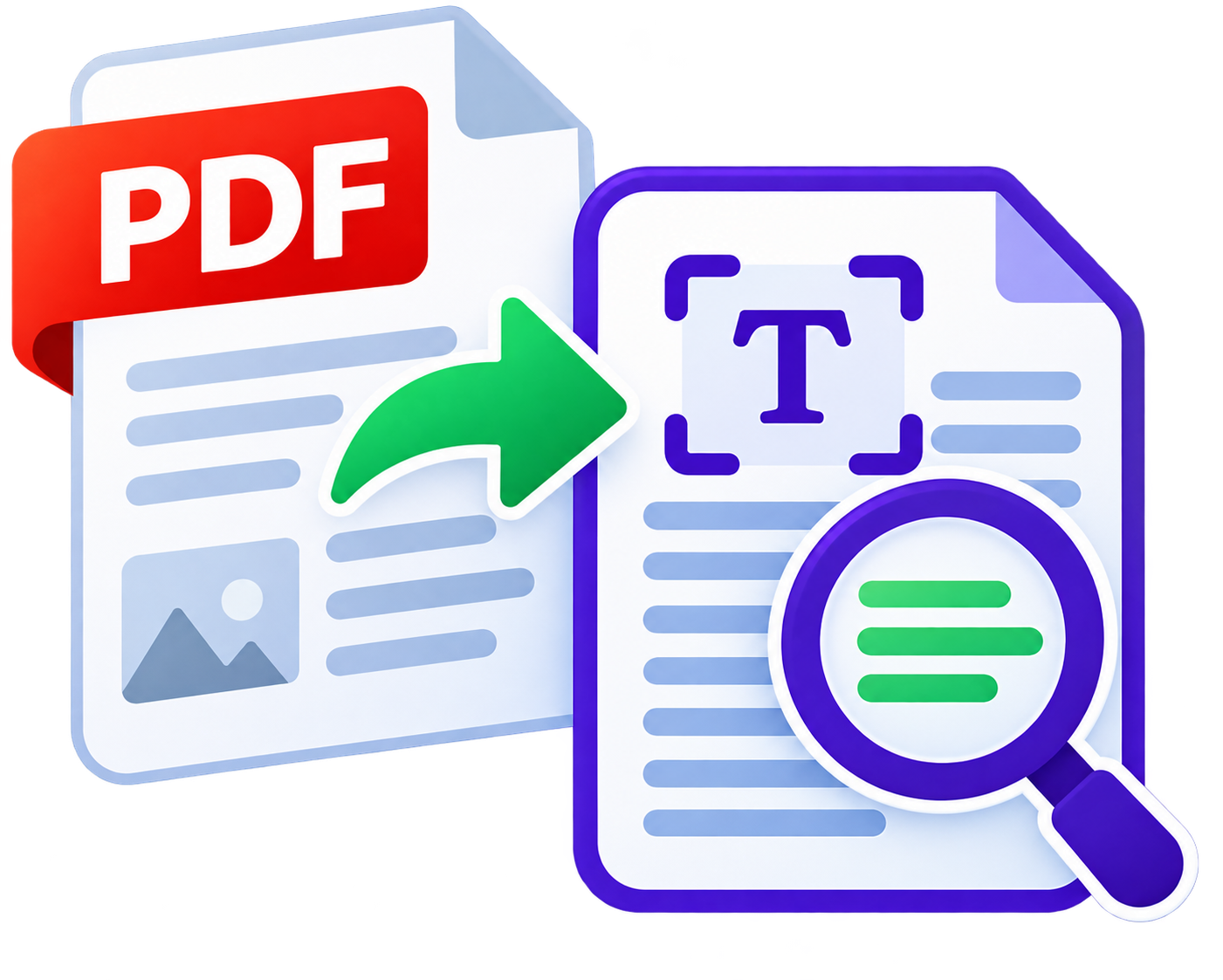
A scanned PDF looks like a document but behaves like a photo: you cannot search it or select its text. Searchable PDF conversion adds a text layer to your scan, so the page keeps its familiar look while becoming fully searchable.

What you get

  • Makes scanned PDFs searchable with selectable, copyable text
  • Lets you find any name, number or clause with a quick search
  • Keeps your documents easy to file, index and share
  • Results delivered to the email recipients you choose

Best for

  • Law firms, accountants and offices with years of scanned files
  • Anyone who needs to search through long scanned reports or contracts
  • Document management and records teams preparing archives
  • Making scans accessible for screen readers and text search
Also searched as: searchable PDF, scanned PDF to searchable PDF, PDF OCR converter, make PDF searchableGet DocInsight
Document Comparison

Document Comparison

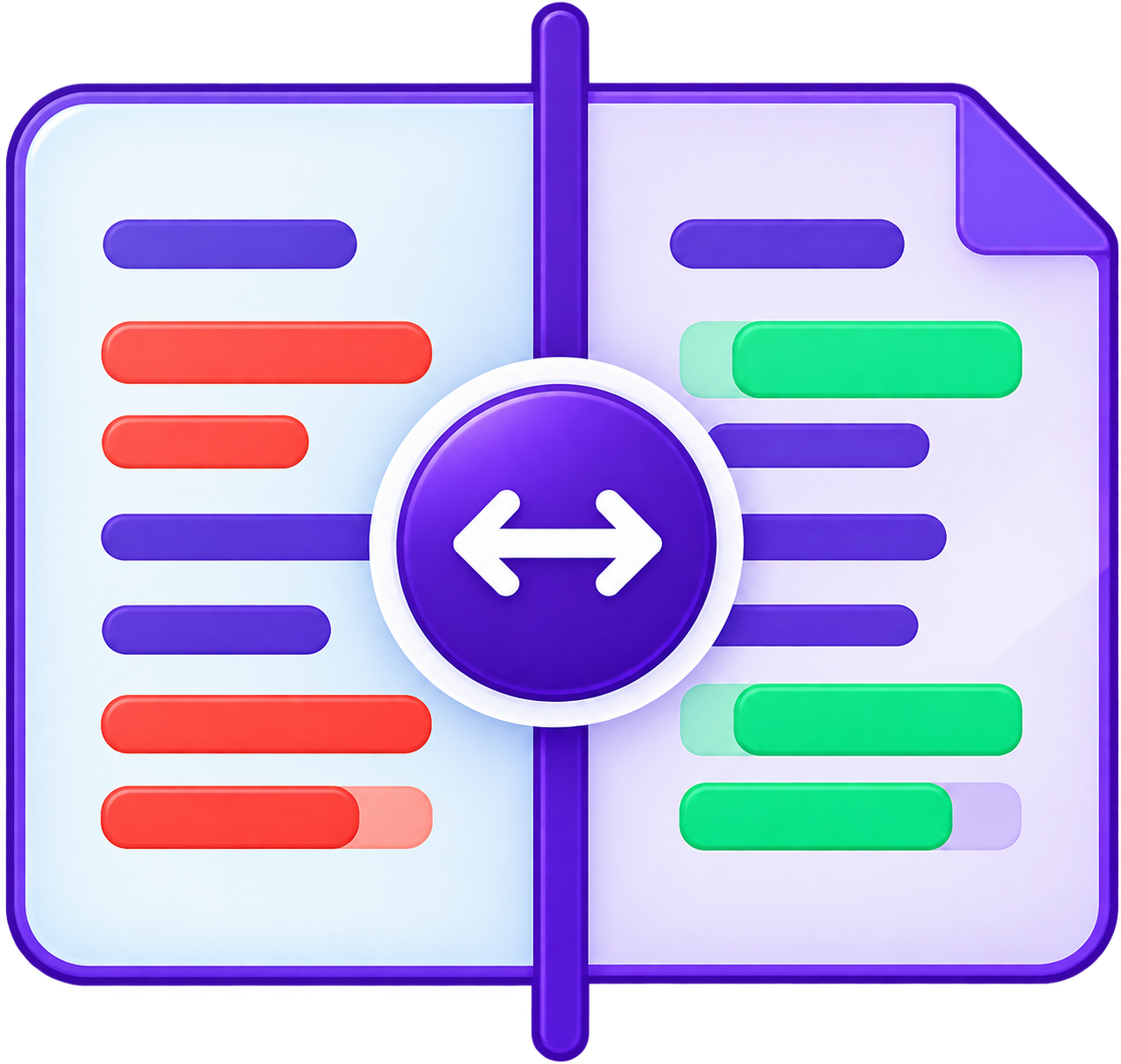
Reviewing a revised contract, policy or report line by line is slow and easy to get wrong. Document Comparison puts two versions next to each other and highlights the differences, so nothing slips through unnoticed.

What you get

  • Compares two documents and highlights the differences
  • Saves hours of manual proofreading and re-reading
  • Helps you confirm that only the intended edits were made
  • Results delivered by email, ready to review or forward

Best for

  • Contract and agreement revisions
  • Policy, terms and compliance document updates
  • Editors, proofreaders and writers checking drafts
  • Finance and operations teams comparing reports
Also searched as: document comparison tool, compare two documents, compare PDF files, find differences between documentsGet DocInsight
Document Translation

Document Translation

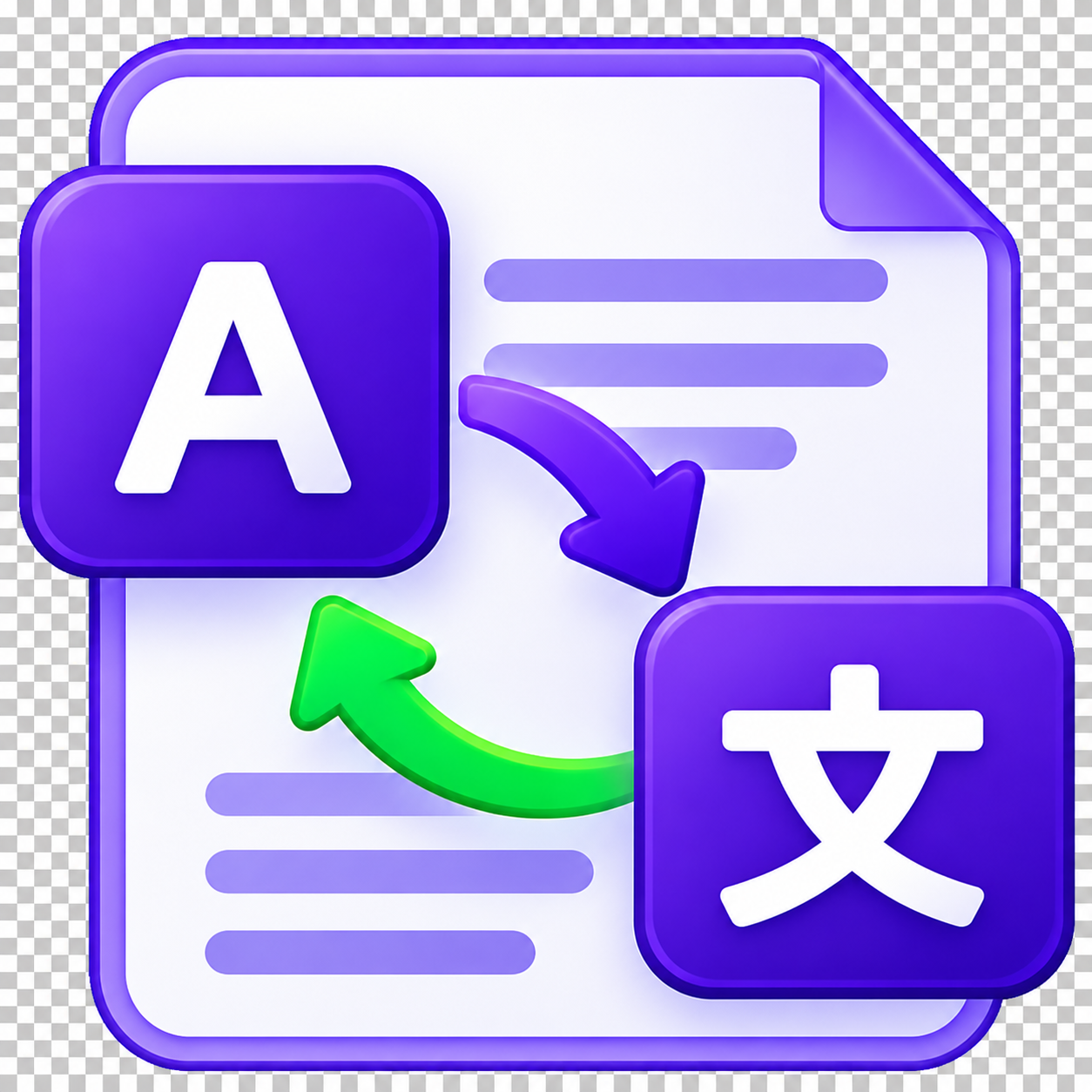
Working across languages is part of everyday business. Document Translation lets you upload a document and receive a translated version, without copying and pasting page after page into a separate tool.

What you get

  • Translates the content of your documents into another language
  • Works from your phone, wherever the document is
  • Delivers the translated result to the recipients you choose
  • Pairs naturally with OCR for scanned documents

Best for

  • Cross-border business correspondence and agreements
  • Travellers, students and expats handling foreign-language paperwork
  • Teams working with suppliers and partners in other languages
  • Quick understanding of a document before a professional review
Also searched as: document translation app, translate PDF, translate scanned documents, translate Word documentGet DocInsight
Bill & Receipt Extraction

Bill & Receipt Extraction

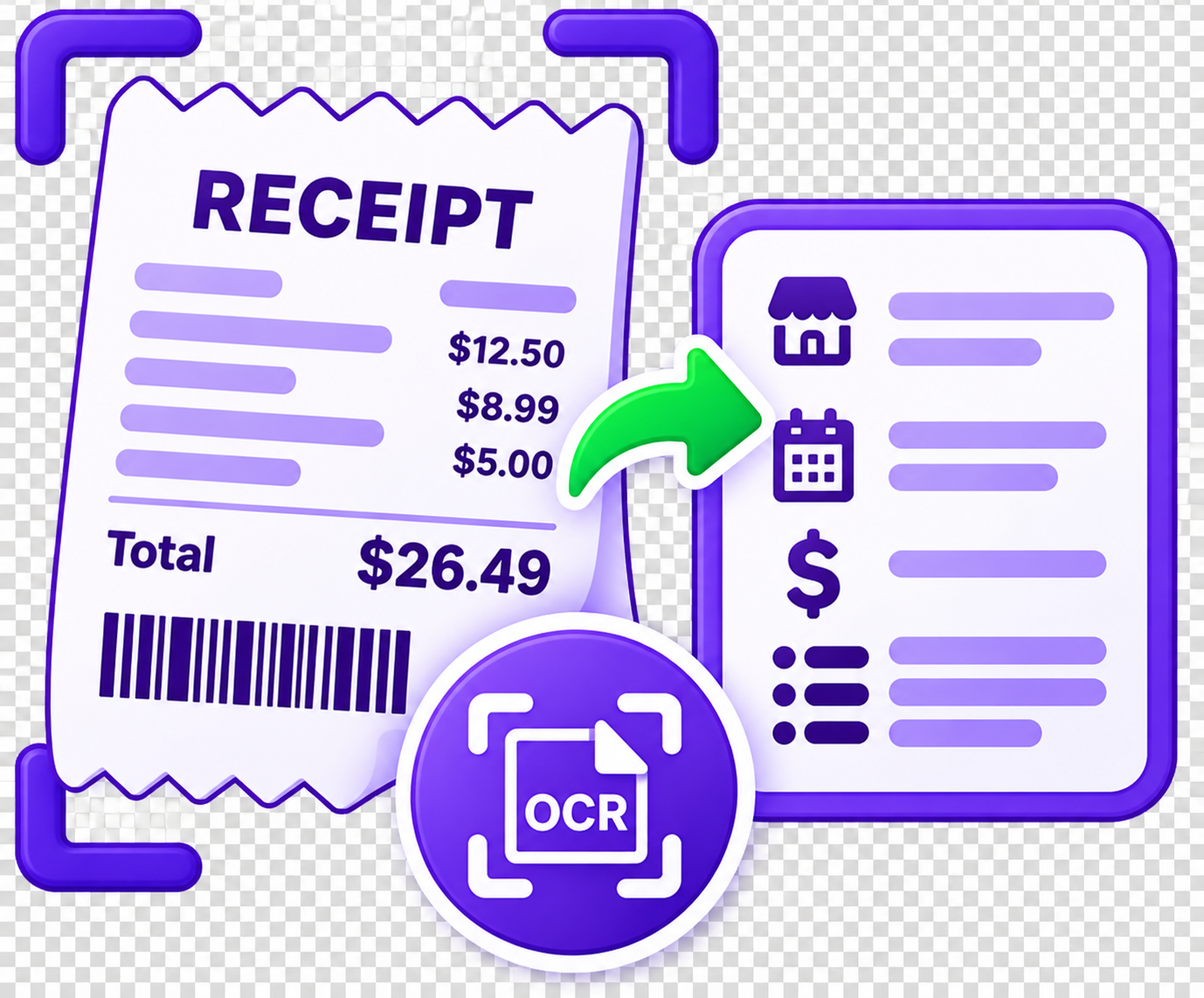
Expense claims and bookkeeping often start with a pile of crumpled receipts and bills. DocInsight reads them and pulls out the key details, such as the merchant, date and totals, so you can stop typing them in by hand.

What you get

  • Extracts key details from receipts and bills
  • Turns photos of paper receipts into structured data
  • Cuts manual data entry and typing mistakes
  • Results delivered by email to you or your finance team

Best for

  • Employees preparing expense claims
  • Small businesses and freelancers doing their own bookkeeping
  • Accountants collecting records from clients
  • Anyone organising household or travel receipts
Also searched as: receipt scanner app, receipt OCR, bill data extraction, expense receipt scannerGet DocInsight
Business Card Data Capture

Business Card Data Capture

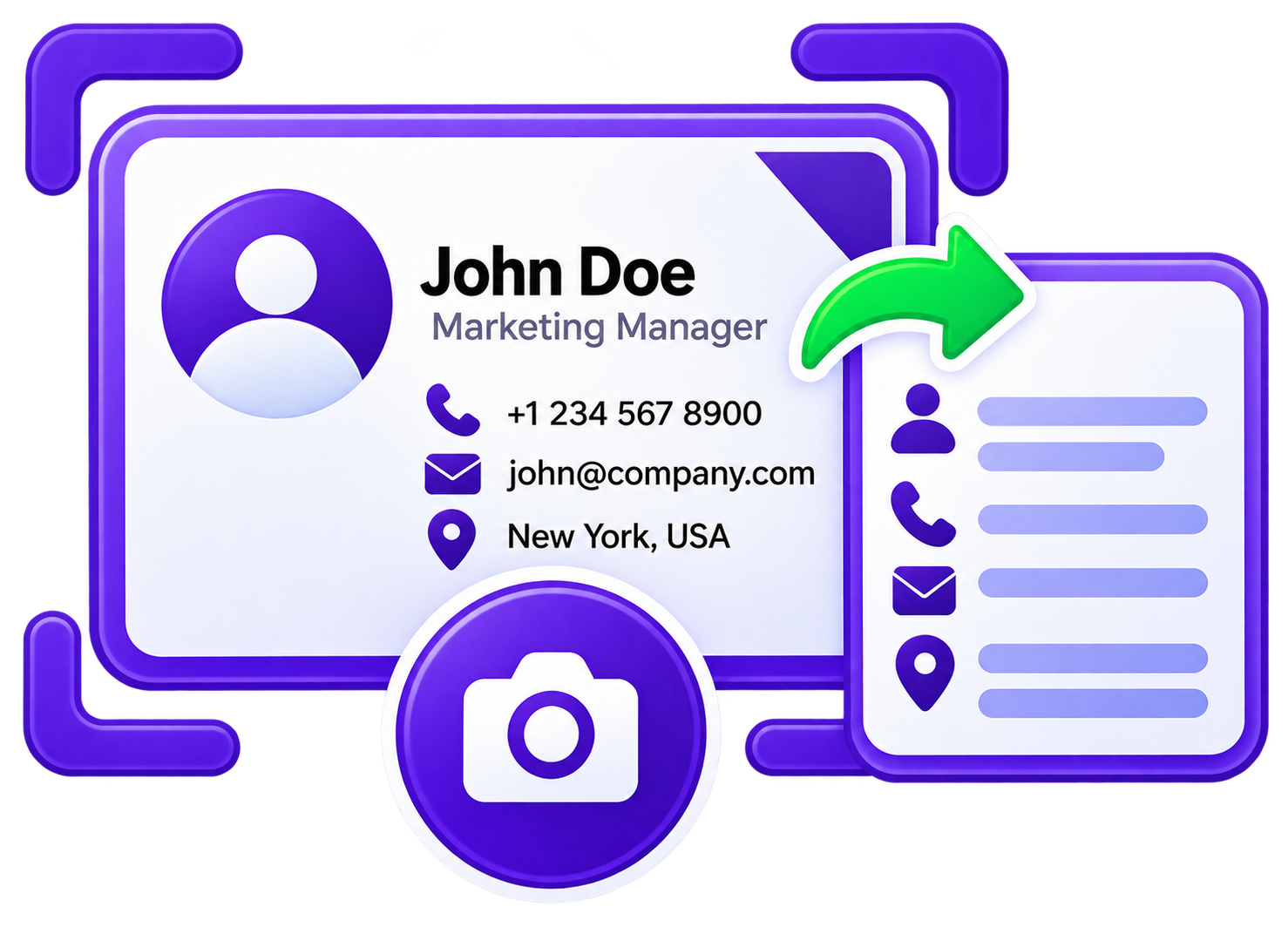
After a conference or client meeting you come home with a stack of business cards. Business Card Data Capture reads each card and extracts the contact details, so they are ready to save instead of waiting in a drawer.

What you get

  • Reads names, job titles, companies and contact details from business cards
  • Turns a photo of a card into structured contact data
  • Avoids retyping phone numbers and emails
  • Results delivered by email, ready to save or share

Best for

  • Sales teams and business developers after events
  • Recruiters and consultants who meet many people
  • Founders and professionals building a contact list
  • Anyone going paperless with their networking
Also searched as: business card scanner, business card reader app, business card OCR, scan business card to contactsGet DocInsight
ID & Passport Processing

ID & Passport Processing

Re-typing details from an ID card or passport is slow and error-prone. ID & Passport Processing reads the document and extracts the key details, helping you complete forms and onboarding faster and with fewer mistakes.

What you get

  • Extracts key details from ID cards and passports
  • Reduces manual typing and transcription errors
  • Speeds up onboarding, registration and form filling
  • Results delivered only to the recipients you add

Best for

  • HR and onboarding teams collecting employee records
  • Hotels, agencies and service providers registering guests or clients
  • Individuals filling in applications and forms
  • Back-office teams that handle identity paperwork
Also searched as: passport scanner app, ID card scanner, passport OCR, extract data from ID cardGet DocInsight
Cheque Data Extraction

Cheque Data Extraction

Processing cheques by hand means reading and re-typing the same fields again and again. Cheque Data Extraction reads the cheque image and captures its key details, so records are quicker to enter and easier to check.

What you get

  • Extracts key details from cheque images
  • Reduces manual data entry for payment records
  • Helps keep finance records consistent and checkable
  • Results delivered by email to the recipients you choose

Best for

  • Accounts payable and receivable teams
  • Small businesses that still receive cheques
  • Clubs, schools and associations reconciling payments
  • Bookkeepers digitising paper payment records
Also searched as: cheque scanner, cheque OCR, check data extraction, cheque reader appGet DocInsight
Handwriting Removal

Handwriting Removal

Scanned forms and worksheets are often covered in pen marks, notes and signatures. Handwriting Removal cleans the handwriting from the scan, leaving the printed content so you can reuse, re-fill or re-share the document.

What you get

  • Removes handwritten notes and marks from scanned documents
  • Leaves the printed content in place
  • Lets you reuse filled-in forms and worksheets
  • Result delivered by email to the recipients you choose

Best for

  • Teachers preparing clean copies of worksheets and exams
  • Offices recycling filled-in forms and templates
  • Anyone who needs a clean version of an annotated scan
  • Archivists tidying documents before they are shared
Also searched as: remove handwriting from PDF, handwriting remover, erase handwriting from scanned document, clean scanned formGet DocInsight
Business Document Extraction

Business Document Extraction

Invoices, orders and other business paperwork hold valuable data locked inside layouts. Business Document Extraction reads these documents and extracts their key fields, so the data can flow into your records instead of being typed in again.

What you get

  • Extracts key fields from invoices and business documents
  • Turns unstructured paperwork into structured data
  • Reduces repetitive data entry in finance and operations
  • Results delivered by email to the recipients you choose

Best for

  • Accounts payable teams processing supplier invoices
  • Operations and procurement handling orders and delivery notes
  • Small businesses that want less admin
  • Bookkeepers digitising client paperwork
Also searched as: invoice data extraction, invoice OCR, extract data from invoices, business document processingGet DocInsight

Try every tool with a Trial plan

Start with 100 tokens for HK$65 and process your own documents today.